
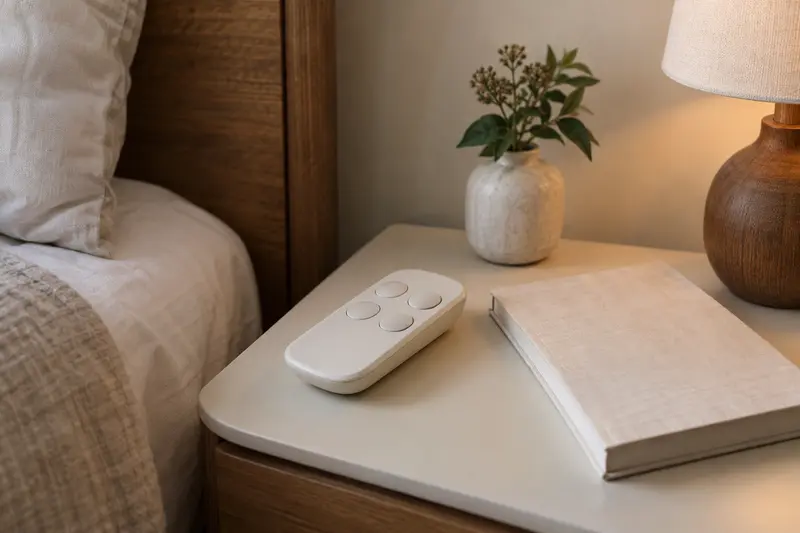
In brief
Choose controls you can identify and operate in a realistic demonstration. Check separate head and foot movement, the documented flat command, memory functions, lock behaviour and replacement support. A long feature list does not tell you whether the remote is convenient. Exact-model instructions should govern pairing, reset and emergency procedures.
IN THIS GUIDE
Write three tasks before comparing remotes
Compare three things separately: the function named on the button, the input the user is expected to make and the feedback confirming its state. A familiar icon does not answer all three. Ask the demonstrator to explain the supplied controller using its correct manual. Record an unclear label or indication as a question, without turning the exercise into a universal accessibility rating or guessing an operating sequence.
For a fictional app upgrade, the retailer shows phone control but the buyer does not know whether their device or regional offer is supported. Ask about the required app, supported phone, account or connection conditions and any actual charge before treating it as included value. These are confirmation questions, not claims that every base needs an account or subscription. A usable supplied handset can remain the relevant comparison if phone control serves no required task.
A useful control comparison begins with verbs. Put the actions you want into short sentences: raise the head, stop movement, return to flat, operate one side, or find the handset after lights are dimmed. Separate frequent actions from occasional setup tasks. A remote with twenty advertised functions may still leave the three everyday actions difficult to identify. The shopper needs an explanation of the actual supplied handset, not a photograph of an optional upgraded controller.
For a hypothetical showroom visit, the household brings three task cards rather than asking whether the bed is easy to use. The demonstrator identifies the relevant buttons under the exact manual and explains the action. The user asks for clarification where labels look similar. Someone helping with research records the preference but does not turn one person's response into an accessibility score for everyone. If personal handling or access requires support, involve the appropriate professional rather than forcing a difficult demonstration.
Ask whether the supplied control changes by size, generation or regional offer. A split configuration may include multiple handsets, while another offer may picture an app that is not included or not supported locally. Record the actual order contents and requirements. If a phone feature matters, ask which devices, connections and account steps the maker requires. Do not assume ordinary bed movement needs a network merely because an app appears in the marketing, or that the app replaces all supplied control functions.
Compare the basic tasks first and place optional features underneath. A position label, lighting button or massage control can be a preference, but it should not obscure whether the everyday commands are understood. A fashionable handset can be appealing without answering the user's routine. The useful shortlist identifies which model needs further explanation and which documented functions match the task, leaving individual suitability and any needed assistance to an appropriate review.

Editorial illustration Keep a plain-language question list for the next supplier conversation. The article does not assign a universal best remote; it helps the reader avoid selecting an operating system by feature count alone.
Distinguish a preset from a personal setting
Separate a factory preset from a saved personal preference and a configuration setting. Ask which can change on the actual controller and which instructions explain the distinction. A household may remember an appealing position name while forgetting that the stored choice was altered. Record the function type rather than prescribing an angle or a health objective. The maker's manual governs any programming; this guide supplies no button sequence for changing settings.
For a fictional demonstration, the same-looking icon is used on an older handset and the proposed model, but the provider says their behaviour differs. Ask for the correct explanation rather than carrying an old command into the new equipment. If the provider demonstrates an optional controller, request the supplied version too. The comparison should concern the actual order, with unfamiliar setup, stopping and synchronization questions resolved under its own instructions.
Read the functional categories rather than treating every named position as a health prescription. On the cited TEMPUR Ergo model, head and foot movement, flat operation, stored positions and lock features have distinct roles in the manual. The relevant operating sequences belong to that exact model and revision. A setting marketed with an appealing name does not establish that it treats a symptom or is appropriate for a particular person. Personal care questions remain separate from control familiarization.
Ask the demonstrator to explain when a command moves a section, recalls a stored choice or changes configuration. Press duration and stopping behavior can vary; this guide does not reconstruct a universal button sequence. The correct manual should accompany the explanation. If a household remembers a command from an older base, compare that recollection with the new document before using it. A similar icon does not establish identical behavior across generations or manufacturers.
A hypothetical split-bed buyer wants independent movement in ordinary use but occasionally prefers both sides together. The supplier explains which configuration the ordered system supports, what synchronization changes and which handset controls what. The buyer records that explanation without copying a pairing trick from another base's video. Another purchaser only needs a basic flat command and does not want saved-position functions. That preference is useful, but the underlying moving-part precautions and exact operating instructions still apply.
Ask what happens to a saved preference after the maker's documented battery change or supported reset, if relevant. Do not assume memory survives every event or that a preset is permanently fixed. Record the source of the answer so a later support enquiry starts with the actual model. A lock function also needs its documented scope: a named lock does not replace supervision, clearances or other precautions. The purpose is to understand the supported function, not to turn it into a broad safety guarantee.
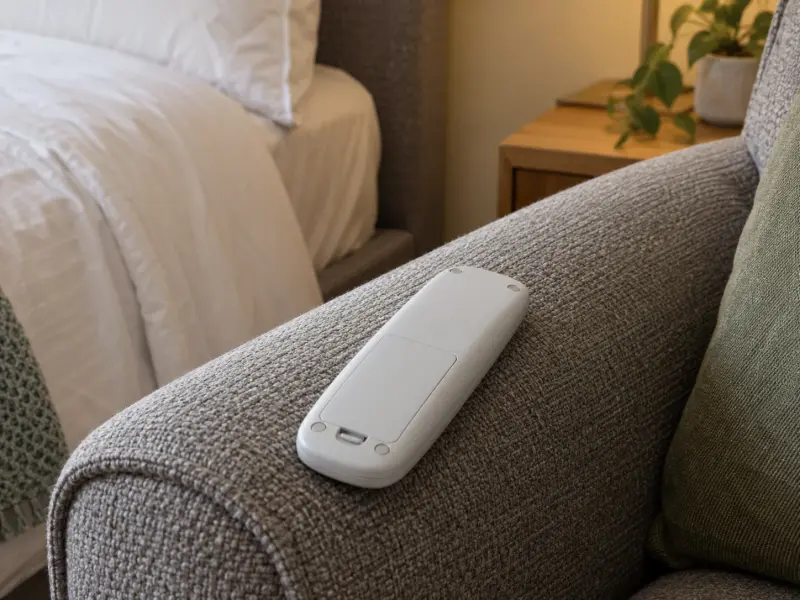
A short explanation card can reference the manual pages for ordinary tasks. Keep the original instructions available; a household summary should never replace warnings or introduce an undocumented command.
Plan where the handset will live
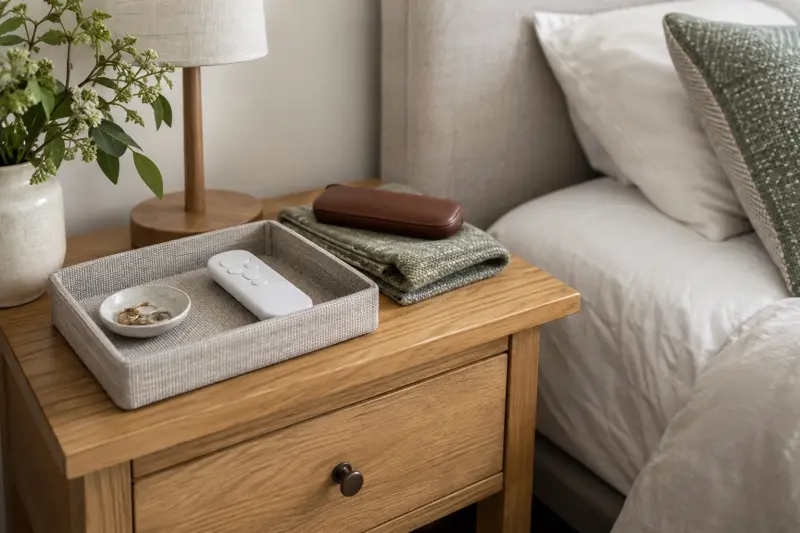
Give a proposed holder a defined purchase question: what exact handset will it hold, where may it be placed and what attachment does the base manufacturer permit? A large storage pocket can still have an unverified arrangement. Compare a suitable existing bedside surface with an approved accessory after the provider reviews the setup. A low price or universal label is not evidence that a dangling strap belongs near moving equipment.
Ask how the household recognizes which control belongs to which supplied base without obscuring necessary labels or indicators. A simple private record can pair the existing handset identity with its side. If controls are exchanged during cleaning, use the appropriate maker's explanation rather than re-pairing equipment by guesswork. This is an identification task; it does not establish how two bases synchronize or whether an apparently similar replacement is approved.
Plan the remote's home as part of the room, not as an afterthought. Identify where it will be stored between ordinary uses and how the actual user finds it. Review the approved installed positions with the supplier's clearance explanation. A table that suits the flat setup may relate differently to a raised section. Do not invent a universal reach distance from a picture. If access is a personal concern, obtain the appropriate review of the real arrangement.
For a hypothetical split bed, identical-looking handsets repeatedly get exchanged during tidying. A private identification system consistent with the maker's instructions may make the routine clearer. Ask about any proposed attachment or holder before adding it near moving components. The storage solution should not create an unexplained cord, strap or pocket in the movement area. A bedside surface already in the room may answer the task without buying a specialized organizer.
Think through the handset after dark using the actual documented features. Ask to see how any backlight or screen behaves and whether there are relevant settings. A bright close-up promotional image does not describe the ordinary experience, and large-button marketing does not establish personal usability. Describe the specific question: similar labels, an unclear icon or difficulty locating the handset. That helps a retailer explain an alternative rather than simply recommending a more expensive control package.
Keep remote batteries and instructions in a known appropriate location under the maker's guidance. Remote power and base-motor power are different questions. A lit display may show that the handset has power while saying nothing about whether the base can move during a household outage. Store any model-supported backup information separately so it is not confused with ordinary battery replacement. No generic rechargeable substitute or charging cable is endorsed by this guide.

Editorial illustration Review the storage routine after furniture or bedding changes. A new hanging organizer might introduce a compatibility question even if the remote itself is unchanged. The goal is one understandable place for the handset, with the moving arrangement and user needs considered.
Ask how a lost or unpaired remote is handled
A replacement quote should explain whether it covers the approved handset alone or also the required provider setup, checks and explanation. Ask what existing functions it restores and whether any advertised extra functions apply to the installed base. A picture with more buttons is not evidence of an approved upgrade. If replacement availability is uncertain, request the actual support options rather than buying a visually similar controller to bypass that uncertainty.
The cited TEMPUR Ergo manual identifies two AAA batteries for its handset and a separate emergency strap using two specified 9-volt batteries for the temporary power-down feature. Those are different supplies for that model. A lit handset is not evidence that motor backup is available. Ask the provider to explain the exact supported equipment and full manual before buying replacements; this comparison gives no installation, connection or emergency operating steps.
Ask for the replacement handset identity before it is urgently needed. The brand alone is often insufficient: exact base model, generation and regional version help the support team identify the appropriate part. Request the current local ordering route and the documented pairing or setup source. A marketplace universal-remote claim is not evidence of supported compatibility. Do not attempt unfamiliar button combinations, software changes or electrical work from instructions for another product.
A hypothetical owner loses a handset several years after purchase. Their private folder contains the base identity, manual revision and original provider, making the enquiry more specific. They ask whether the proposed replacement is supported and who carries out any required setup. Another household has a working handset but an unresponsive section. Buying a new remote before support understands the symptom may not answer the fault. Describe the actual behavior and follow the responsible service process rather than treating every problem as a controller purchase.
Tempur-Pedic's owner-manual index separates named bases, which makes it a useful starting point for matching documentation. Verify that the document and support region cover the installed equipment. A US contact on a manual is not automatically a UK service route. Save an appropriate offline copy privately and retain any supplier explanation. If the equipment identity cannot be established without reaching into an unsafe area, ask the installer or service provider for a suitable method.
Keep three support questions separate: replacement, ordinary fault response and approved power-outage behavior. A handset that has a flat button does not prove that motors can operate without mains power. A replacement that pairs successfully does not extend warranty coverage or establish a backup runtime. Request each answer from its proper source. The useful purchase can be a confirmed replacement part, an authorized service enquiry or no additional item when the basic supplied handset still serves the documented routine.

Before choosing optional control accessories, make sure the ordinary system answers the actual tasks. An app, holder or spare handset should have a defined purpose and exact compatibility, rather than being added because it appears in a convenience bundle.
Make the demonstration useful without inventing a score
Bring a small task sheet to an appropriately supported demonstration. Each row should name an action, the relevant manual page, the explanation received and any unresolved question. Avoid a pass-or-fail safety rating derived from an informal visit. A shopper can record that one label is clearer to them or that a function needs another explanation. That is a personal preference record, not evidence that a model is easier for every older adult.
A hypothetical sheet has rows for the daily head adjustment, stopping movement and finding the flat function. The supplier demonstrates only under the appropriate instructions, with the surrounding area managed as required. The user can ask to repeat the explanation without being pushed to operate unfamiliar controls alone. If a task cannot be comfortably reviewed, the next step may be individual advice or another supported option. Buying the model to practice later is not the only available outcome.
Write questions about split operation, memory and lock functions separately from the three everyday tasks. This preserves a clear first comparison while leaving configuration questions visible. A feature that is rarely used may still need explanation, but it should not dominate a decision about regular operation. Ask which settings are user tasks and which belong to the provider's setup responsibility. A general demonstration should not become an invitation to alter paired systems or inspect powered components.
Where an accessibility need exists, describe it to the responsible professional or supplier rather than entering sensitive details into a public quiz. This website can save guide links in your browser, but it cannot assess dexterity, vision, cognition or transfer needs. An appropriate review can consider the actual person and installation. The role of this article is to improve the quality of questions and keep marketing claims in proportion.
Leave the demonstration with the correct documentation and support route, not just a favorite photograph. If a different handset or configuration is later substituted in the quote, revisit the affected tasks. The earlier preference should not silently apply to a new operating system.
Decide whether an extra control feature earns its place
List the optional control item and the precise task it would solve. A holder may address misplacement, an approved alternative controller may answer a supported use question, and a spare may have another role. Each needs exact compatibility and a current offer. Avoid combining them into a bundle simply because the bed is a substantial purchase. The existing supplied handset can be sufficient when its documented operation fits the ordinary routine.
For a hypothetical comparison, the buyer is offered an app package but only wants a clearly understood local handset. They ask whether the basic operation already serves that need and whether the optional feature adds any required step. Another buyer has a defined supported reason for an alternative control method and obtains the maker's answer. These are different purchase paths; the article does not rank one as inherently more modern or suitable.
Check the final quote for the actual handset, number of units, supported functions and any provider setup. Read the current terms for optional accessories separately from the base and mattress. A return policy for bedding should not be assumed to cover a configured control system. Retain correspondence about promised compatibility and avoid publishing serial identifiers or account details. No live price, stock, commission route or approval is represented by the information links here.
After installation, ask the supplier to confirm the supplied control arrangement against the record and explain the correct manual. If a relevant function differs, resolve that discrepancy through the appropriate support route before relying on a previous demonstration. Review the household explanation when equipment changes. There is no need to buy new controls on a schedule unrelated to their documented condition or actual purpose.
A well-considered result is an understandable supported system, one appropriate place to keep the handset and a clear contact for unresolved questions. This guide has not tested controls or assessed any user's needs. It gives a shopper a more concrete way to compare everyday operation while leaving room to retain the basic equipment or pause the purchase.
MAKE THE SPEND MEANINGFUL
Before adding to the basket.
- Use a suitable existing bedside tray after clearance checks.
- Keep app upgrades optional unless they solve a demonstrated need.
How this guide was prepared
AI-assisted editorial research, checked against the linked primary sources. Product testing and a credentialed individual review are not claimed.
source-checked editorial; no hands-on testing or expert suitability assessment claimed
How we use sources and AI assistance ↗Sources & fact checks
The guide separates sourced facts from editorial questions and examples. We have not claimed hands-on product testing. How we use sources and AI assistance.
- TEMPUR Ergo: exact-model support, handset and temporary backup instructions; no universal procedure ↗
- Tempur-Pedic: owner manuals by base model ↗
Found an error or an outdated detail? Contact the editorial team.