
In brief
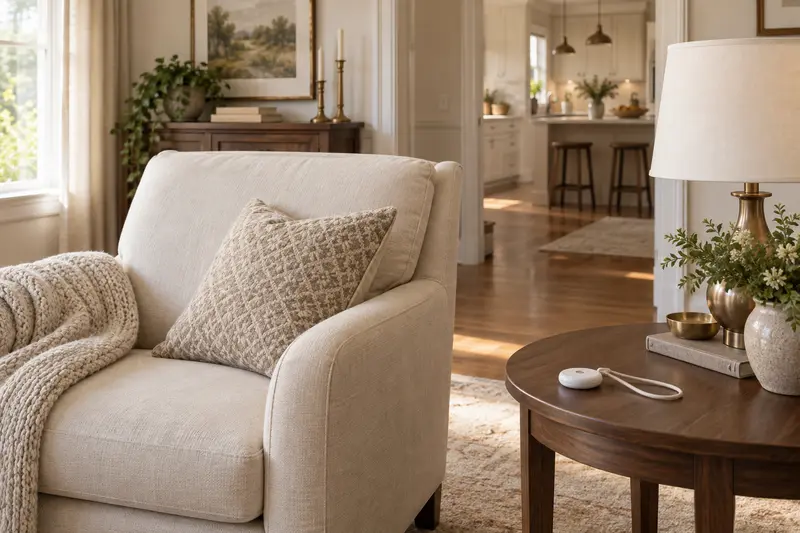
A caregiver pager suits a household where a family member or caregiver is home but often in another room. The person presses a wireless call button and a receiver rings where the helper is. Check that the receiver is loud enough where the helper spends time, and remember it only reaches people inside the home. It does not call emergency services.
Shortlisted for this decision
Affiliate-
Shortlisted
CallToU Pager, 2 Buttons
For two call buttons to a helper
Two portable buttons and a loud plug-in receiver let someone call a helper in another room, with no phone or monthly fee.
Check price on AmazonCheck first: Confirm the receiver count on the listing; it only alerts people inside the home.
-
Shortlisted
CallToU Pager, 1 Set
For testing one call button first
The lowest-cost way to test whether a call button suits your home before adding more buttons or receivers.
Check price on AmazonCheck first: Serves one caller and one listening spot; check pack contents and remember it does not call outside help.
Affiliate links: we may earn a commission from qualifying purchases at no extra cost to you. Prices are shown only on Amazon. Amazon.com (US listing). See the full comparison ↓
Documented options
Caregiver pager: options compared
Options based on manufacturer documentation. Retailer links are affiliate links: we may earn a commission from qualifying purchases.
Affiliate retailer links
-
CallToU Caregiver Pager with 2 Wireless Call Button for Elderly at Home
Exact variant: 2 call buttons
View product details on Amazon — United States
Affiliate retailer links
-
CallToU Caregiver Pager Wireless Call Button Nurse Alert System
Exact variant: 1 call button and 1 receiver
View product details on Amazon — United States
IN THIS GUIDE
Who a caregiver pager helps
A caregiver pager is a simple radio system. One part is a button the person keeps nearby. The other is a receiver that plugs into a wall outlet and rings when the button is pressed.
It suits homes where help is close but not in the same room. Examples include a spouse working in the garden shed, a caregiver cooking downstairs, or an adult child sleeping in the next bedroom. It avoids shouting and does not need a phone or monthly fee.
It can also ease worry for the helper. Instead of checking on someone every few minutes, the helper can get on with other tasks and trust that a call will come through. That only works if the button is always within reach.
- Asking for help at night without shouting
- Calling a caregiver from the bathroom or bedroom
- Getting attention from a helper on another floor
- Households that want no subscription or phone setup
Wireless call button for elderly users vs a medical alert system
This is the most important decision. A wireless call button for elderly users only alerts people inside the home who can hear the receiver. If nobody is home, or the helper is asleep with the receiver in another room, nobody responds.
A personal emergency alarm worn as a bracelet or necklace is a different product. The American Geriatrics Society's Health in Aging tip sheet suggests considering such a wearable alarm if someone has fallen before or is afraid of falling. Those services usually connect to a monitoring center or family phones, and they often carry a monthly cost.
Many families use both. The pager handles everyday requests at home, and a monitored alarm covers time alone and emergencies.
- Pager: alerts people in the house within radio range
- Monitored alarm: reaches help outside the house
- Pager: no monthly fee; monitored alarm: usually a subscription
- Living alone for part of the day points toward a monitored alarm
What to check before buying
Range claims are measured in open air. Walls, floors and metal appliances reduce it. Test the button from every room the person uses, including the bathroom, before relying on it.
Volume matters as much as range. The receiver has to be heard over a television, a shower or a closed door. Some households plug a second receiver in the helper's bedroom so night calls are not missed.
Count what you need. Each person who calls needs a button, and each place where someone listens needs a receiver. Read the pack contents on the listing, because similar titles can ship different combinations.
- Range tested from the bathroom, bedroom and garden
- Receiver volume high enough where the helper spends time
- Number of buttons and receivers in the exact pack
- Battery type for the buttons and how to replace it
- Water resistance if the button goes into the bathroom
How the CallToU picks compare
Both picks are from CallToU's CC01 series, which has its own manufacturer pages. The facts below come from those pages and the Amazon titles, not from our own testing.
The main difference is pack size. The two-button listing suits two callers or one caller with buttons in two rooms. The single set is the smallest way to test whether a call button works in your home.
- Two-button pack: brand page lists 2 call buttons and 2 receivers, range 500+ ft in open areas, 5 volume levels up to 110 dB, 55 ringtones
- Single set: brand page lists 1 call button and 1 receiver, range 500+ ft covering 3 to 5 floors, 5 volume levels up to 110 dB
- Water: the two-button page calls the buttons splash-resistant, not for immersion; the single-set page lists IP55
- Expansion: the brand says the system pairs with up to 20 receivers
- Both: plug-in receivers, battery-powered buttons, no monthly fee
Setup and everyday care
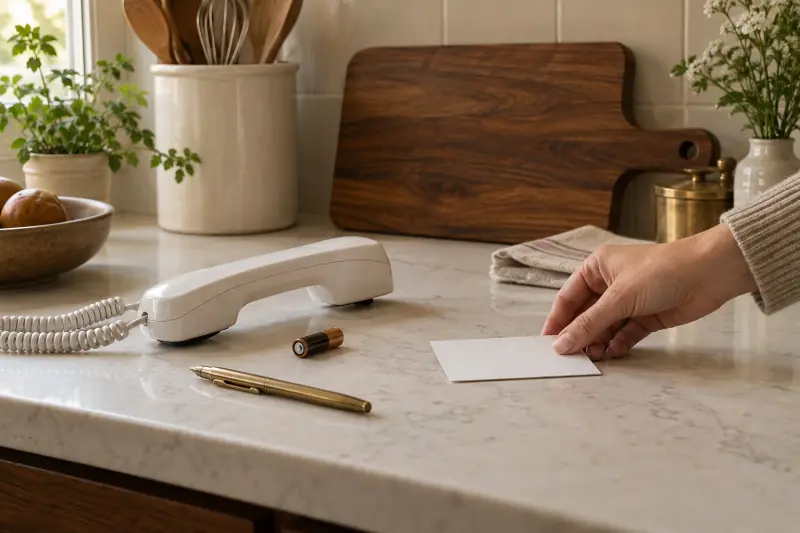
Agree what the button means before it arrives. One press might mean come when you can, while repeated presses mean come now. Write it on a card by the receiver so visitors and relief caregivers know too.
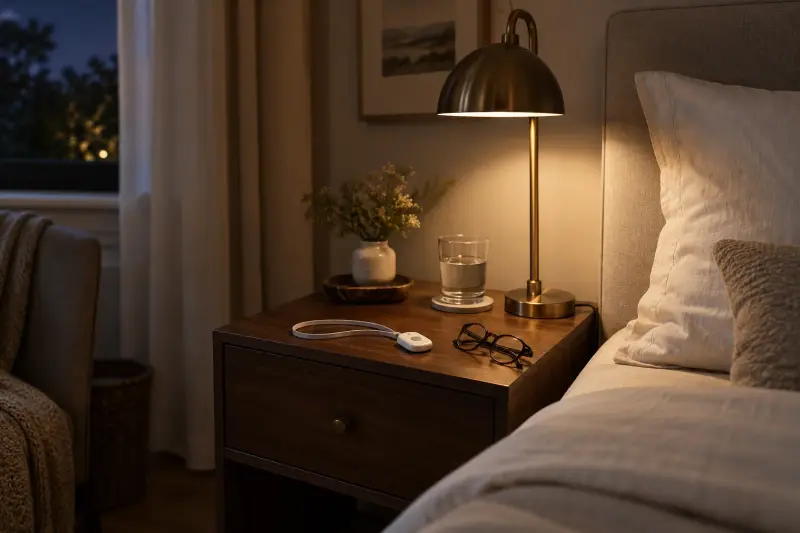
Keep the button where the hand can reach it: on a lanyard, a bedside table or clipped near the toilet. Test it weekly and replace the button battery before it fails.
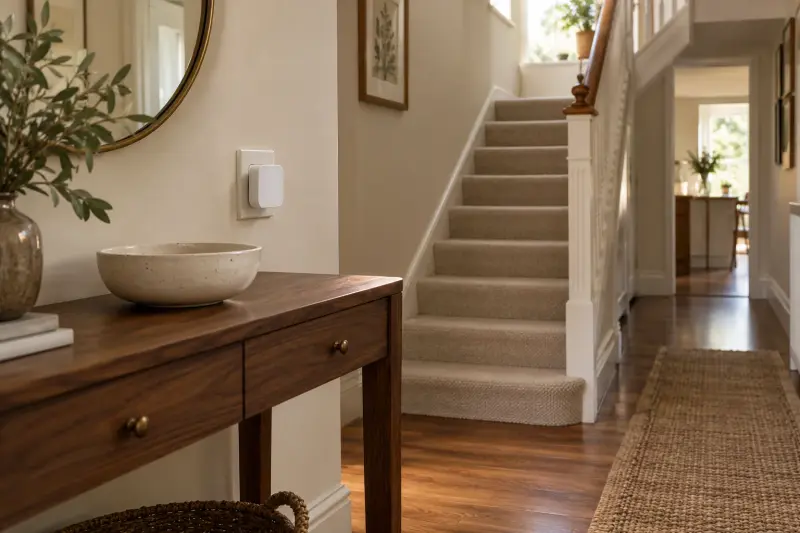
Place each receiver where it will be heard, not where an outlet happens to be free. A receiver behind a closed door or next to a noisy dishwasher can be missed. Move it after the first week if calls have gone unanswered.
- Agree a simple signal for routine and urgent calls
- Test from each room on the first day
- Run a quick weekly press test
- Keep spare button batteries in a known drawer
- Show visiting caregivers how it works
When to get personal advice
If calls for help are increasing, or the person has had falls, ask a doctor or occupational therapist to review the situation. They can suggest changes to the home, equipment or care that a pager alone cannot provide.
Local aging services can explain monitored alarm options and any help with costs. A pager is a convenience tool, not a safety plan by itself.
Respect the person's own view too. Some people feel a button makes them look dependent. Framing it as a convenience for the whole household, and letting them choose where it lives, can make it easier to accept.
- Recent falls: talk to a doctor about a fall review
- Home layout and equipment: ask an occupational therapist
- Time alone at home: compare monitored alarm services
- Caregiver strain from night calls: raise it with the care team
MAKE THE SPEND MEANINGFUL
Caregiver pager: low-cost alternatives
- A basic wireless doorbell kit used as a call button, if you accept that it is not designed for care use.
- An existing smart speaker or phone set up for voice calls between rooms, if the person can use it reliably.
- A loud handbell or desk bell kept by the chair, for small homes where the helper is always within earshot.
In brief
Caregiver pager: questions answered
What is a caregiver pager?
A caregiver pager is a wireless call button paired with a receiver that plugs into a wall outlet. When the button is pressed, the receiver rings so a family member or caregiver in another room knows help is needed. It works only within radio range inside or around the home.
Does a caregiver pager call 911?
No. A standard caregiver pager only rings its own receivers. It does not dial emergency services, a monitoring center or anyone's phone. If the person spends time alone or may need emergency help, look at a monitored personal emergency alarm as well, and ask local aging services about options.
How far does a wireless call button reach?
CallToU lists 500+ ft in open areas for its CC01 series. Real homes have walls, floors and appliances that shorten range, so test the button from every room the person uses, especially the bathroom and bedroom, before relying on it for everyday calls.
Can I use a call button in the shower?
Check the water rating on the manufacturer page. CallToU describes the buttons on its two-button pack as splash-resistant but not for immersion, and lists IP55 for its single set. Keep the button out of standing water and place it where it can be reached safely.
How this guide was prepared
AI-assisted editorial research, checked against the linked primary sources.
Written with AI assistance from the sources listed below and checked against them. We have not tested these products in person.
How we use sources and AI assistance ↗Sources & fact checks
The guide separates sourced facts from editorial questions and examples. How we use sources and AI assistance.
- American Geriatrics Society, Health in Aging: Home Safety Tips for Older Adults ↗
- CallToU: wireless caregiver pager, 2 buttons ↗
- CallToU: caregiver pager with call buttons (1-1 and 3-3 sets) ↗
Found an error or an outdated detail? Contact the editorial team.