
In brief
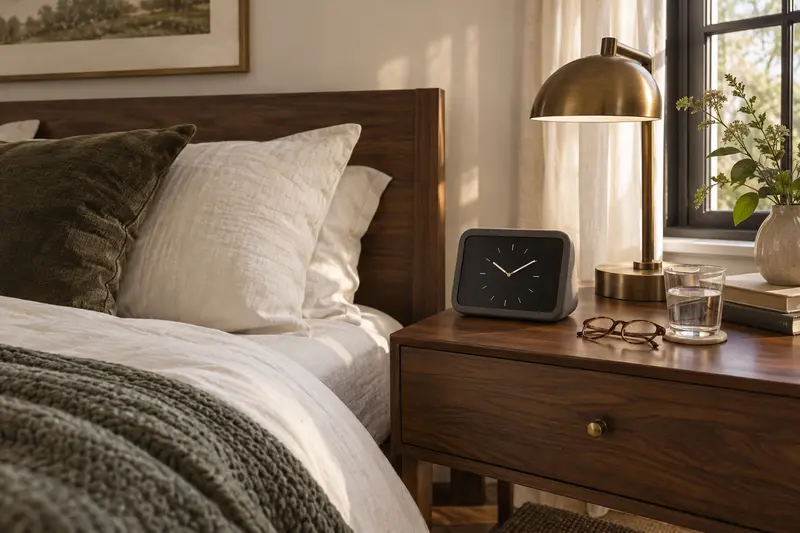
Alexa for seniors works best on a small screen device such as the Echo Show 5, which adds a visible clock and video calls to voice requests. Check two things first: the home has reliable Wi-Fi and someone can set up the Amazon account and contacts. It is not a medical alert system, so do not rely on it in an emergency.
Shortlisted for this decision
Affiliate-
Shortlisted
Echo Show 5 (3rd Gen)
For bedside clock, voice requests and video calls
A bedside-sized screen with a large clock, voice requests and video calls, plus a physical camera shutter.
Check price on AmazonCheck first: The 5.5 inch screen is small for low vision; needs Wi-Fi and an Amazon account.
-
Shortlisted
Echo Show 8 (2025), 8.7 in screen
For a larger 8.7 inch screen
An 8.7 inch HD screen, larger than the Echo Show 5, with a 13 MP auto-framing camera for video calls and a microphone off button.
Check price on AmazonCheck first: Needs more space, home Wi-Fi and an Amazon account; check camera privacy features on the listing.
Affiliate links: we may earn a commission from qualifying purchases at no extra cost to you. Prices are shown only on Amazon. Amazon.com (US listing). See the full comparison ↓
Documented options
Alexa for seniors: options compared
Options based on manufacturer documentation. Retailer links are affiliate links: we may earn a commission from qualifying purchases.
Affiliate retailer links
-
Amazon Echo Show 5 (newest model), Smart display
Exact variant: Charcoal
View product details on Amazon — United States
Affiliate retailer links
-
Amazon Echo Show 8 (newest model)
Exact variant: 8.7 in, Glacier White
View product details on Amazon — United States
IN THIS GUIDE
Who Alexa for seniors suits
A voice assistant helps most when someone is comfortable speaking out loud but finds phones fiddly. Asking for the time, the weather, a timer or a favorite radio station needs no buttons or menus.
A screen adds a large clock and the faces of family on video calls. The National Institute on Aging suggests checking in regularly with family and friends by phone, email or video chat, and a smart display is one way to make that easier.
The same NIA guidance also points to activities and community ties, so a device works best as one part of a connected week, not the whole of it.
- Good fit: lives alone or spends long days at home, likes radio and conversation.
- Good fit: family nearby or far away who will help with setup.
- Less suited: no home Wi-Fi, or strong dislike of a device that listens for its wake word.
- Not a replacement for a medical alert service or emergency plan.
- Hearing or speech changes may make voice control harder; try it first.
The Echo Show 5 for elderly users: what the specs say
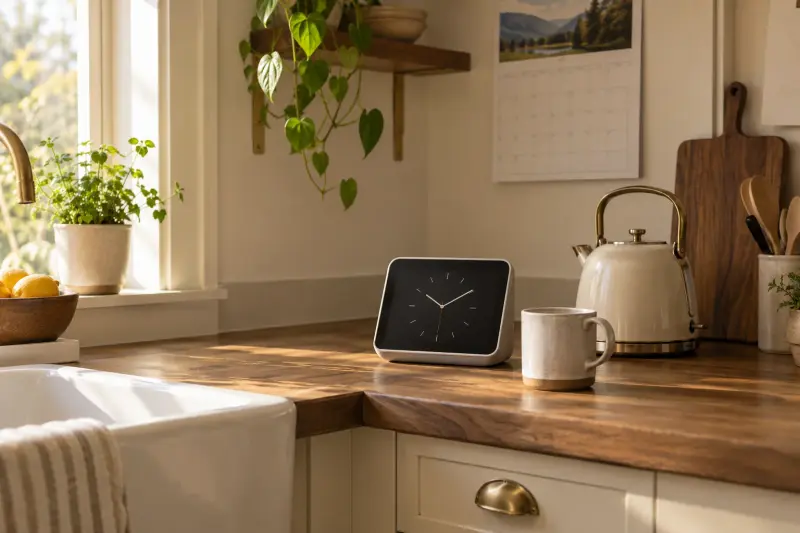
Amazon's Ring site lists the Echo Show 5 (3rd Gen) with a 5.5 inch touchscreen, a 2 MP camera with a built-in shutter, and a button that turns off the microphone and camera. It measures 5.8 by 3.6 by 3.2 inches and weighs 16.1 oz.
That size fits a bedside table or kitchen counter. The trade-off is a small screen, which can be hard to read for people with low vision or from across a room.
Try the planned spot before deciding. Sit where the person usually sits and check whether a clock the size of a playing card is easy to read from there.
- Screen: 5.5 inch touchscreen.
- Camera: 2 MP with a sliding shutter.
- Privacy: one button turns off microphone and camera.
- Speaker: 1.75 inch full-range speaker.
- Needs wall power and home Wi-Fi.
Set it up for them, then step back
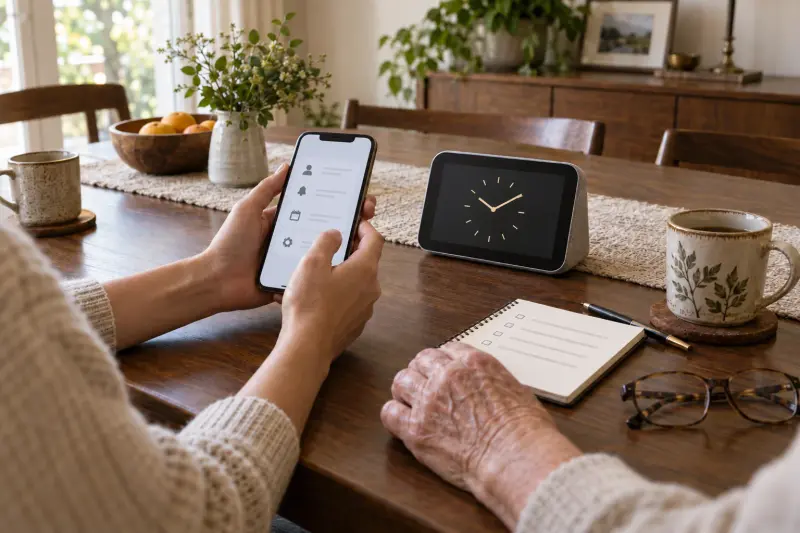
Most of the work is done once, by a family member, through the Alexa app on their own phone. Add trusted contacts, set reminders, choose a clock face and test the volume before the device goes into the older person's home.
Then show the person just three or four requests to start. More can come later, once the basics feel natural.
Good first requests are simple and daily: the time and date, the weather, a favorite radio station and a call to one named family member. Practice each one together a few times.
- Place it where the person spends most time, within reach of an outlet.
- Add only the contacts they actually want to call.
- Set a large, plain clock as the home screen.
- Write the first few requests on a card next to the device.
- Agree how and when family will call, so calls feel welcome, not intrusive.
Privacy, consent and dignity
A device with a camera and microphone in someone's home needs their clear agreement. Talk through what it does, who can call, and how to close the shutter or press the off button.
Features that let family connect without the person answering should only be turned on if the person understands and agrees. Review the settings together every few months.
The same respect applies to reminders and routines. Set them up with the person, in their words, rather than adding prompts they did not ask for.
- Show where the camera shutter and microphone off button are.
- Agree who can call, and when.
- Keep the Amazon account secure with a strong password.
- Revisit settings if the person's needs or wishes change.
What it cannot do
An Echo Show is a convenience device, not a safety system. It does not monitor health, and it should not be the only way someone can get help after a fall.
If safety at home is a worry, talk to a clinician or occupational therapist about a proper plan, which may include a dedicated alert service, a phone in reach, or changes to the home.
Keep a charged phone within reach as well, especially at night. A smart display works alongside that phone; it does not replace it.
- Not a medical alert pendant or monitored service.
- Stops working in a power or internet outage.
- Voice recognition can struggle with a soft or changed voice.
- Medication reminders are prompts, not a dispensing system; ask a pharmacist about medication routines.
- Features and account terms can change, so check Amazon's current details before relying on a service.
Common mistakes when gifting a smart display
The most common mistake is handing over a boxed device and expecting the person to set it up. Another is turning on every feature at once, which can feel confusing or intrusive.
Start small, check in after a week, and adjust. Ask what they actually use, and quietly remove what they do not.
- Gifting without checking the Wi-Fi first.
- Choosing a screen too small for the person's eyesight.
- Adding calling features they have not agreed to.
- Leaving them without a simple written list of requests.
- Placing it where glare from a window hides the screen.
MAKE THE SPEND MEANINGFUL
Alexa for seniors: low-cost alternatives
- Try voice assistant features already on the person's smartphone before buying a new device.
- A large-display clock and a regular phone call schedule cover the basics without any account setup.
- Ask a local library or senior center whether they run free technology help sessions.
In brief
Alexa for seniors: questions answered
Is Alexa good for elderly people living alone?
It can help with everyday tasks such as the time, weather, timers, music and calls to family, and the National Institute on Aging encourages regular contact by phone or video chat. It is not a monitored alert service, and it stops in a power or internet outage, so keep a separate emergency plan.
Which Echo Show is best for elderly users?
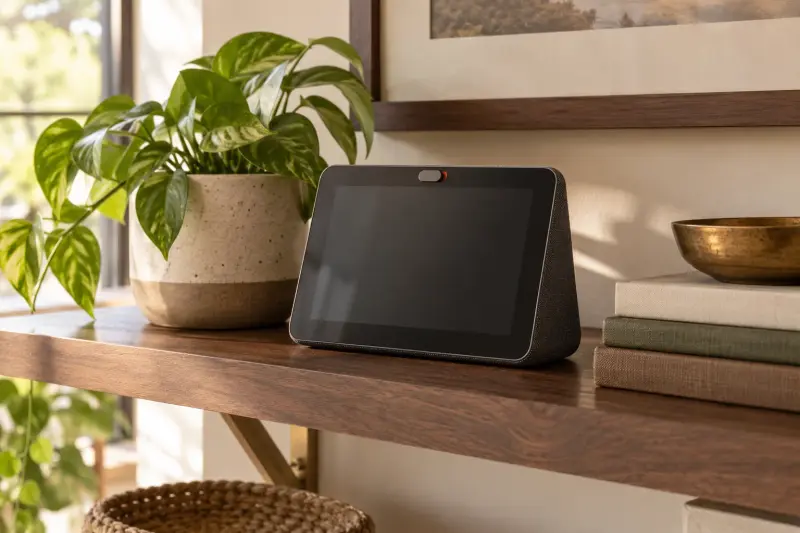
There is no single best model. The Echo Show 5 has a 5.5 inch screen, which suits a bedside table but can be small for low vision. Amazon also sells larger Echo Show models with bigger screens, so compare their published specs with the person's eyesight and viewing distance.
Can family set up Alexa for a parent remotely?
Much of the setup happens in the Alexa app on a family member's phone, including contacts and reminders. The device itself still needs to be plugged in and connected to the parent's Wi-Fi, so setting it up together, in person or on a phone call, is usually easiest.
Does the Echo Show 5 have a camera cover?
Yes. Amazon's Ring site lists a 2 MP camera with a built-in shutter and a button that turns off both the microphone and the camera. Show the person where both are, so they can control them at any time. A closed shutter is easy to see from across the room, which can be reassuring.
How this guide was prepared
AI-assisted editorial research, checked against the linked primary sources.
Written with AI assistance from the sources listed below and checked against them. We have not tested these products in person.
How we use sources and AI assistance ↗Sources & fact checks
The guide separates sourced facts from editorial questions and examples. How we use sources and AI assistance.
- MedlinePlus Magazine: Stay connected, tips from the National Institute on Aging on social isolation and loneliness ↗
- Ring (Amazon): Echo Show 5 (3rd Gen) specifications ↗
Found an error or an outdated detail? Contact the editorial team.